


Starting your first IT support interview can be challenging because employers test more than just your technical knowledge. IT support interviews commonly assess troubleshooting, networking, hardware, software, cybersecurity, communication, customer service, and problem-solving skills to see how well you can handle real workplace issues.
Whether you are a fresher or an experienced IT support professional, preparing for common interview questions can help you answer with confidence. This guide covers the most common IT support interview questions, including technical, troubleshooting, behavioral, networking, and help desk questions to help you prepare effectively.
In this blog
What Are the Most Common IT Support Interview Questions?
The most common IT support interview questions test your technical knowledge, troubleshooting process, communication skills, and ability to support users. Employers typically want to know whether you can diagnose problems logically, explain solutions clearly, and resolve issues without creating additional risks. For this reason, prepare examples that demonstrate both your technical ability and customer-service approach.
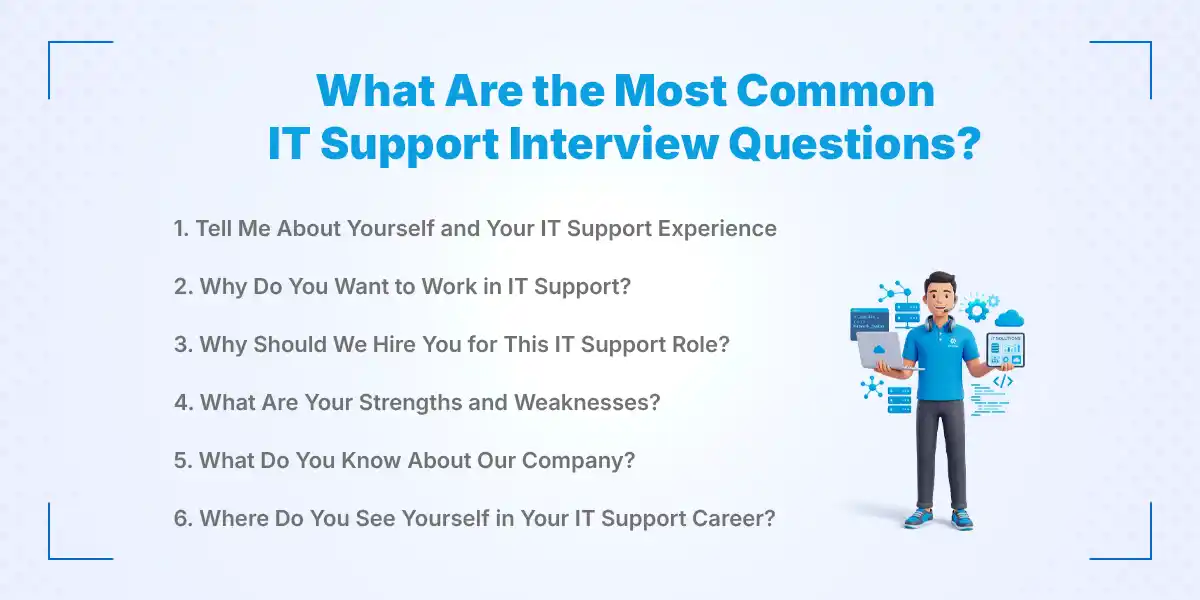
1. Tell Me About Yourself and Your IT Support Experience
Start with a short introduction covering your education, technical skills, relevant experience, and interest in IT support. If you are a fresher, mention practical projects, internships, coursework, or personal experience with computers and networks. Keep your answer focused on qualifications that relate directly to the position rather than giving your complete personal history.
2. Why Do You Want to Work in IT Support?
Explain that you enjoy solving technical problems and helping people use technology effectively. Connect your interest to specific IT skills such as troubleshooting, networking, operating systems, or customer support. A strong answer shows that you understand IT support is both a technical and service-oriented career.
3. Why Should We Hire You for This IT Support Role?
Focus on your combination of technical knowledge, problem-solving ability, communication, and willingness to learn. Give one or two examples that demonstrate how you have solved a technical issue or helped another person with technology. Avoid simply listing skills from your resume without explaining how those skills can benefit the employer.
4. What Are Your Strengths and Weaknesses?
Choose strengths that matter in IT support, such as patience, troubleshooting, attention to detail, communication, or time management. For a weakness, select something genuine that does not undermine your ability to perform the job and explain what you are doing to improve it. This approach shows self-awareness rather than giving a rehearsed answer such as saying you have no weaknesses.
5. What Do You Know About Our Company?
Research the company's products, services, customers, technology environment, and business needs before the interview. Then connect your knowledge of the company with the IT support role you are applying for. This demonstrates preparation and shows that your interest extends beyond simply finding a job.
6. Where Do You See Yourself in Your IT Support Career?
Describe a realistic progression such as developing stronger troubleshooting skills, earning relevant certifications, specializing in networking or systems administration, or moving into a senior support position. Show ambition while making it clear that you want to build a strong foundation in the role you are applying for. Employers generally respond better to candidates who have a clear development plan than those who appear uninterested in long-term growth.
Technical IT Support Interview Questions
Technical IT support interview questions assess your knowledge of computers, networks, software, security, and basic troubleshooting. Below are common questions with simple bullet-point answers that are useful for interview preparation.
1. What Is an Operating System?
- An operating system is software that manages a computer's hardware and applications.
- It allows users to interact with the computer and run different programs.
- Common examples include Windows, Linux, and macOS.
- IT support professionals use operating systems to troubleshoot and manage computers.
2. What Is the Difference Between Hardware and Software?
- Hardware refers to the physical parts of a computer.
- Examples include RAM, keyboard, monitor, SSD, and motherboard.
- Software refers to programs and applications that run on a computer.
- Examples include Windows, web browsers, Microsoft Office, and antivirus programs.
3. What Is an IP Address?
- An IP address is an address that identifies a device on a network.
- It allows computers and other devices to communicate with each other.
- Common IP versions include IPv4 and IPv6.
- Incorrect IP settings can cause network or internet connectivity problems.
4. What Is DNS?
- DNS stands for Domain Name System.
- It converts domain names into IP addresses.
- It allows users to access websites without remembering numerical IP addresses.
- DNS problems can prevent users from accessing websites and network services.
5. What Is DHCP?
- DHCP stands for Dynamic Host Configuration Protocol.
- It automatically assigns network settings to devices.
- These settings can include IP address, subnet mask, default gateway, and DNS server.
- DHCP makes network configuration easier and reduces manual setup.
6. What Is a VPN?
- VPN stands for Virtual Private Network.
- It creates a secure connection between a device and a remote network.
- Businesses often use VPNs to provide secure remote access to company resources.
- IT support teams may troubleshoot VPN connection and authentication problems.
7.What Is a Firewall?
- A firewall controls incoming and outgoing network traffic.
- It allows or blocks connections based on security rules.
- Firewalls help protect computers and networks from unauthorized access.
- Incorrect firewall settings can sometimes block legitimate applications or services.
8. What Is Active Directory?
- Active Directory is a Microsoft service used to manage users, computers, and network resources.
- It is commonly used in organizations with Windows-based networks.
- IT teams use it to manage user accounts, permissions, groups, and authentication.
- Basic Active Directory knowledge is useful for IT support and help desk positions.
9. What Is a Server?
- A server is a computer or system that provides services or resources to other devices.
- Devices that access these resources are commonly called clients.
- Examples include file servers, web servers, database servers, and authentication servers.
- IT support professionals may troubleshoot server access, connectivity, and service problems.
10. What Is Remote Desktop Support?
- Remote desktop support allows an IT professional to access a user's computer remotely.
- It helps technicians diagnose and resolve technical problems without being physically present.
- It can be used for software, configuration, and troubleshooting issues.
- IT professionals should follow proper authorization and security procedures before accessing a user's device.
11. What Is the Difference Between LAN and WAN?
- LAN (Local Area Network) connects devices within a small area such as an office or building.
- WAN (Wide Area Network) connects networks across larger geographical areas.
- Organizations may use LANs for internal communication and WANs to connect different branches.
- Understanding LAN and WAN helps IT support professionals troubleshoot network connectivity issues.
IT Help Desk Interview Questions
A help desk role combines technical troubleshooting, ticket management, communication, and customer service. These questions help interviewers understand how you handle user issues and manage support requests.
What Is a Help Desk Ticketing System?
- A help desk ticketing system is a tool used to manage and track IT support requests.
- It records details such as the user's issue, priority, status, troubleshooting steps, and resolution.
- It helps IT teams assign requests to the right support person.
- It also keeps a history of previous issues for future reference.
How Do You Prioritize IT Support Tickets?
- I prioritize tickets based on urgency, business impact, security risk, and the number of affected users.
- A company-wide network outage should usually receive higher priority than a minor individual software request.
- I follow the organization's priority levels and service-level agreements.
- I also keep lower-priority tickets organized so they are not forgotten.
How Do You Handle Multiple Support Requests at Once?
- I review each request and determine its priority.
- I handle urgent and high-impact issues first.
- I keep users informed about expected response or resolution times.
- I use a ticketing system or task list to track every request.
How Do You Document Technical Issues?
- I record the user's problem and the symptoms they experienced.
- I document the troubleshooting steps, findings, and actions taken.
- I include the final solution and any follow-up instructions.
- Clear documentation helps other IT team members understand and resolve similar issues.
When Should an IT Support Issue Be Escalated?
- An issue should be escalated when it is beyond my technical knowledge, access, authority, or support responsibilities.
- Security incidents, major outages, and complex system problems may require escalation.
- I document the troubleshooting steps already completed before escalating.
- I provide the next-level technician with all relevant information to avoid repeating the same work.
How Do You Provide Remote Technical Support?
- I first verify the user's identity and obtain the required permission.
- I use an approved remote-support tool to access the device.
- I explain the troubleshooting steps to the user and avoid making unnecessary changes.
- After resolving the issue, I confirm that the problem is fixed and update the support ticket.
How Do You Follow Up With Users After Resolving an Issue?
- I confirm that the original problem has been completely resolved.
- I explain the solution and provide simple instructions if the user needs to take further action.
- I ask whether the user has any additional related problems.
- I update the ticket with the resolution and close it according to company procedures.
What Are the Most Common IT Support Interview Questions for Freshers?
Freshers are usually assessed on their fundamentals, learning ability, problem-solving approach, and willingness to work with users rather than years of professional experience.
1. Why Did You Choose IT Support as a Career?
Explain what interests you about troubleshooting technology and helping users solve practical problems. Mention relevant coursework, projects, certifications, internships, or personal learning that influenced your career choice. Keep the answer focused on your motivation and the skills you want to develop.
2. What IT Skills Have You Learned?
Mention practical skills such as Windows administration, basic networking, hardware troubleshooting, software installation, cybersecurity awareness, or ticket management. Give a short example of where you applied each important skill. Avoid claiming advanced expertise in technologies you have only studied at a basic level.
3. How Would You Troubleshoot a Basic Computer Problem?
Explain a structured process: understand the symptoms, reproduce the issue when possible, identify likely causes, test one change at a time, and verify the solution. This demonstrates that you use logic instead of randomly changing settings. Documentation and escalation should follow if the issue remains unresolved.
4. What Networking Concepts Do You Know?
Discuss concepts such as IP addresses, DNS, DHCP, gateways, Wi-Fi, LANs, WANs, and basic connectivity testing. Be prepared to explain each concept in simple language rather than memorizing definitions. Practical examples from labs or personal projects can strengthen your answer.
5. Which Operating Systems Are You Familiar With?
State the operating systems you have actually used and describe the tasks you can perform on each. For example, you might discuss installing software, managing users, checking system settings, or troubleshooting common errors. If your professional experience is limited, be honest and emphasize your ability to learn.
6. How Would You Handle a Technical Problem You Have Never Seen Before?
Start by gathering information and identifying the symptoms before searching trusted documentation or consulting a senior technician. Break the issue into smaller components and test possible causes systematically. Interviewers often value this approach because IT support professionals regularly encounter unfamiliar problems.
IT Support Behavioral Interview Questions
Behavioral questions show whether you can remain professional and effective when technical problems involve people, pressure, or mistakes.
1. How Do You Handle a Difficult or Angry User?
Listen without interrupting, acknowledge the user's frustration, and focus the conversation on the technical problem. Explain what you can do, avoid blaming the user, and provide realistic expectations about resolution time. If the situation becomes inappropriate or exceeds your authority, follow the company's escalation process.
2. How Do You Handle Pressure and Tight Deadlines?
Prioritize work according to impact and urgency rather than trying to solve everything simultaneously. Communicate early when a deadline may be affected and keep stakeholders informed about progress. Staying organized helps you maintain accuracy even when several users need assistance.
3. How Do You Explain Technical Problems to Non-Technical Users?
Use simple language, short explanations, and examples that relate to the user's task. Avoid unnecessary technical terms unless they help the user understand what action they need to take. The goal is not to demonstrate how much technical vocabulary you know but to make the solution understandable.
4. Tell Me About a Time You Solved a Difficult Technical Problem.
Use a specific example and explain the situation, the problem, the steps you took, and the result. Focus on your reasoning rather than only describing the final fix. If you are a fresher, you can use an academic project, internship, lab exercise, or personal technical problem.
5. How Do You Work With Other IT Team Members?
Explain how you share information, document work, ask for help, and communicate during escalations. Good teamwork prevents duplicated effort and helps complex incidents move toward resolution. Mention a practical example if you have worked on group projects or IT environments.
6. Tell Me About a Time You Made a Technical Mistake and How You Fixed It.
Choose a real but manageable example and explain how you identified the mistake and corrected it. Show that you learned from the incident and changed your process to reduce the chance of repeating it. Avoid blaming another person because interviewers are usually looking for accountability and learning ability.
IT Support Networking Interview Questions
Networking knowledge is important for IT support professionals because many workplace issues involve internet connectivity, IP configuration, DNS, authentication, and network access.
1. What Is TCP/IP?
- TCP/IP is a set of networking protocols that allows devices to communicate across networks.
- TCP provides reliable data delivery.
- IP handles device addressing and data routing.
- IT support professionals use TCP/IP concepts to troubleshoot network and connectivity problems.
2. What Is the Difference Between TCP and UDP?
- TCP is connection-oriented and provides reliable data delivery.
- UDP is connectionless and generally has lower communication overhead.
- TCP is useful when reliable delivery is important.
- UDP is often used when speed and low latency are more important.
3 . What Is a Subnet Mask?
- A subnet mask identifies the network and host portions of an IPv4 address.
- It helps devices determine whether another device is on the same local network.
- It determines when traffic needs to be sent through a gateway.
- An incorrect subnet mask can cause network communication problems.
4 . What Is a Default Gateway?
- A default gateway is the device used to communicate with destinations outside the local network.
- A router commonly acts as the default gateway.
- Devices use the gateway to access remote networks and the internet.
- An incorrect or unavailable gateway can cause internet connectivity problems.
5. What Is the Difference Between a Static and Dynamic IP Address?
- A static IP address remains fixed unless it is manually changed.
- A dynamic IP address is usually assigned automatically through DHCP.
- Static IP addresses are useful for servers and other devices that need predictable addresses.
- Dynamic IP addresses make network management easier for regular user devices.
6 . How Do You Troubleshoot Network Connectivity?
- Check the physical cable, Wi-Fi connection, and network status first.
- Check the device's IP address, subnet mask, gateway, and DNS settings.
- Use tools such as ping, ipconfig, nslookup, and traceroute.
- Test the connection step by step from the device to the gateway, DNS, and required service.
7. What Commands Can You Use to Diagnose Network Problems?
- Ping: Checks whether a network device or destination is reachable.
- ipconfig/ifconfig: Displays the device's network configuration.
- nslookup: Helps diagnose DNS and domain-name resolution problems.
- tracert/traceroute: Shows the network path to a destination and can help identify routing issues.
IT Support Hardware and Software Interview Questions
Hardware and software problems are common in IT support, so interviewers often check whether you can identify, troubleshoot, and resolve issues related to computers, applications, and operating systems.
- Hardware Troubleshooting: Check power, cables, connections, device recognition, and error indicators to identify hardware problems before using diagnostic tools or escalating the issue.
- Failing Hard Drive or SSD: Look for slow performance, system errors, boot failures, or health warnings and protect important data before replacing the drive.
- RAM-Related Issues: Check for crashes, freezes, boot problems, memory diagnostics, and proper RAM installation when troubleshooting memory-related issues.
- Software Installation and Configuration: Check system requirements, permissions, storage, compatibility, and approved software sources before installing and configuring applications.
- Application Crashes: Check error messages, updates, system resources, permissions, configuration, and logs to identify the cause of repeated application crashes.
- Operating System Errors: Record the exact error, check recent updates and configuration changes, review system logs, and use appropriate repair or recovery procedures.
- Software and Computer Updates: Keep operating systems and applications updated through approved company procedures to improve security, stability, and compatibility.
IT Support Cybersecurity Interview Questions
Security awareness is now an important part of everyday IT support because support technicians often manage accounts, devices, software, and access. Interviewers may ask basic cybersecurity questions to check your understanding of common threats and safe IT practices.
- Phishing: A social-engineering attack that tricks people into revealing information, opening malicious content, or taking unsafe actions.
- Malware: Malicious software designed to disrupt systems, steal information, gain unauthorized access, or cause other harm.
- Antivirus Software: Security software that detects, blocks, and helps remove malware and other common threats.
- Multi-Factor Authentication (MFA): A security method that requires users to provide two or more authentication factors to access an account.
- Protecting User Accounts: Use strong authentication, MFA, appropriate permissions, secure password practices, and proper identity verification.
- Suspected Malware Infection: Isolate the affected device according to company procedures, notify the IT or security team, and follow approved incident-response steps.
- Software Updates: Regular updates fix known security vulnerabilities and help protect computers and systems from potential cyber threats.
What Skills Should You Highlight in an IT Support Interview?
Highlight skills that show you can combine technical troubleshooting with reliable user support.
- Technical troubleshooting: Explain how you identify causes and test solutions.
- Computer hardware knowledge: Demonstrate familiarity with common components and hardware diagnostics.
- Networking fundamentals: Show knowledge of IP addresses, DNS, DHCP, gateways, and connectivity.
- Operating system knowledge: Mention the operating systems and administration tasks you can actually handle.
- Customer service: Show patience and professionalism when supporting users.
- Communication skills: Explain technical issues in simple language.
- Problem-solving: Demonstrate a structured approach instead of random troubleshooting.
- Ticket management: Show that you can prioritize, document, update, and close support requests.
- Remote support: Mention experience with approved remote-support tools and secure access procedures.
- Time management: Explain how you manage multiple requests based on priority.
- Cybersecurity awareness: Demonstrate safe handling of accounts, devices, data, and suspicious activity.
- Teamwork: Show that you can collaborate and escalate issues effectively.
How Can You Prepare for an IT Support Interview?
Preparing for an IT support interview requires a combination of technical revision, practical troubleshooting practice, company research, and communication preparation. A strong preparation plan helps you answer both direct technical questions and scenario-based questions confidently.
1. Review Basic IT Concepts
Review networking, hardware, software, operating systems, and cybersecurity fundamentals before the interview. Pay particular attention to concepts that frequently appear in entry-level IT jobs, such as IP addressing, DNS, DHCP, user accounts, permissions, and basic troubleshooting. Practice explaining each concept in simple language so you can communicate technical information clearly during the interview.
2. Practice Troubleshooting Scenarios
Work through common technical problems step by step instead of memorizing final answers. Practice identifying symptoms, asking useful questions, testing likely causes, applying a safe fix, and confirming the result. This approach demonstrates the reasoning employers expect from an IT support professional.
3. Research the Company
Learn about the company's products, services, users, technology environment, and IT requirements. Look at the job description and identify the operating systems, tools, networking technologies, or support responsibilities mentioned there. Tailor your examples to those requirements so your answers feel relevant rather than generic.
4. Prepare Your Resume and Certifications
Highlight relevant technical skills, internships, projects, certifications, and practical experience on your resume. Certifications such as CompTIA A+, Network+, Microsoft-related credentials, or other relevant training can support your profile depending on the position. Be ready to explain what you actually learned and applied rather than relying only on certification names.
5. Practice Behavioral Questions
Prepare examples using the STAR method where appropriate, covering situations involving technical problems, difficult users, teamwork, mistakes, and deadlines. Your examples should clearly explain the situation, your responsibility, the actions you took, and the result. Freshers can use academic projects, internships, volunteer work, or personal technical projects when professional examples are unavailable.
6. Prepare Questions for the Interviewer
Ask about the company's IT infrastructure, support tools, team structure, training, performance expectations, and career development. Questions about ticket volume, escalation processes, and the technologies you will support can also help you understand the actual role. Thoughtful questions show that you are evaluating how you can contribute rather than simply waiting for an offer.
IT Support Career Opportunities in Nepal
IT support offers several career opportunities in Nepal for freshers and experienced professionals. As you gain practical experience and improve your technical skills, you can move into areas such as networking, system administration, cybersecurity, cloud computing, and IT service management.
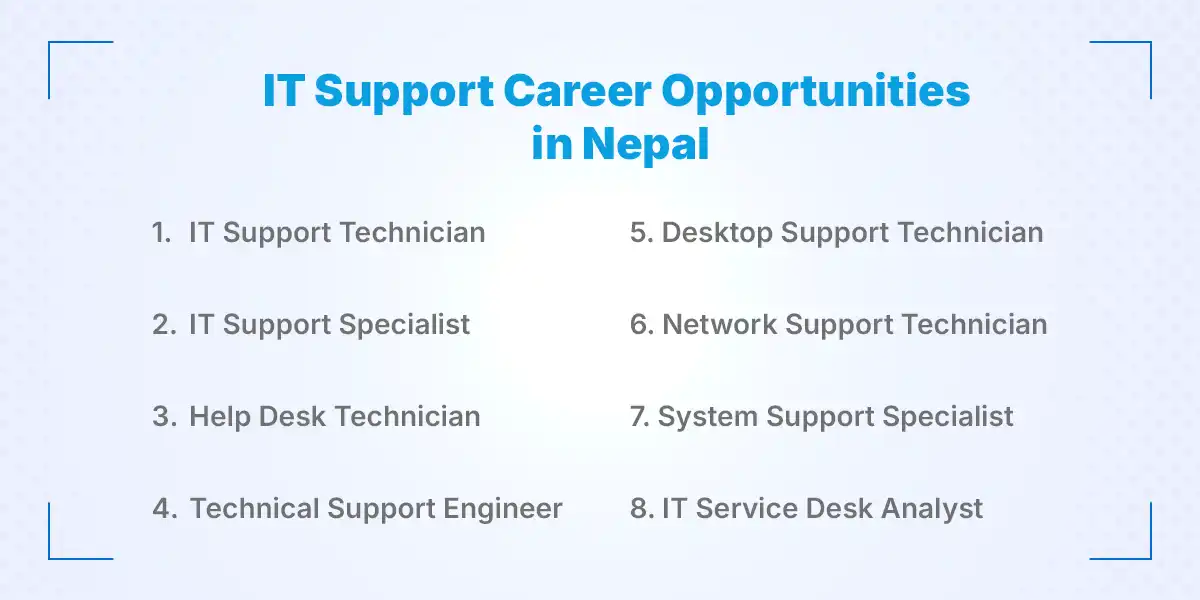
1. IT Support Technician
An IT Support Technician provides technical assistance for computer hardware, software, operating systems, printers, and common user problems. The role often involves installing software, configuring devices, troubleshooting basic technical issues, and helping employees resolve day-to-day IT problems. This is a suitable starting position for candidates who want to build practical experience in IT support.
2. IT Support Specialist
An IT Support Specialist handles more complex technical issues and provides support for specific IT systems and workplace technology. They may troubleshoot hardware, software, network, account, and application-related problems that require more advanced technical knowledge. Experience in troubleshooting, operating systems, networking, and user support can help professionals progress into this position.
3. Help Desk Technician
A Help Desk Technician manages support tickets and resolves common hardware, software, password, account, and connectivity problems. They communicate with users, record technical issues, prioritize requests, and escalate problems that require specialist assistance. Strong communication, customer service, and basic troubleshooting skills are important for this role.
4. Technical Support Engineer
A Technical Support Engineer troubleshoots technical issues related to software, products, systems, applications, or IT infrastructure. They may work directly with customers or internal teams to identify problems, analyze errors, and provide appropriate technical solutions. This position generally requires stronger troubleshooting skills and knowledge of networking, operating systems, applications, and technical support processes.
5. Desktop Support Technician
A Desktop Support Technician supports employee computers, operating systems, applications, printers, and other workplace devices. Their responsibilities can include installing and configuring computers, setting up user accounts, resolving hardware problems, maintaining workstations, and supporting employees with technical issues. Practical knowledge of computer hardware, Windows, software installation, and troubleshooting can be useful for this career.
6. Network Support Technician
A Network Support Technician monitors, maintains, and troubleshoots network connections, routers, switches, wireless networks, and other networking equipment. They may investigate problems involving IP addresses, DNS, DHCP, connectivity, network performance, and access to business resources. Knowledge of TCP/IP, LAN, WAN, network troubleshooting commands, and basic networking concepts can help candidates prepare for this role.
7. System Support Specialist
A System Support Specialist supports operating systems, servers, user accounts, applications, and business systems used by an organization. They may also work with Active Directory, permissions, system configuration, backups, updates, and technical troubleshooting. This career path can provide opportunities to move toward system administration, cloud infrastructure, or other advanced IT roles.
8. IT Service Desk Analyst
An IT Service Desk Analyst manages IT incidents, service requests, ticketing, user support, and issue escalation. They follow established service management procedures to prioritize requests, document problems, communicate with users, and ensure issues are resolved within expected timeframes. This role is suitable for professionals who combine technical knowledge with strong communication, organization, and customer-service skills.
Conclusion
The strongest IT support candidate is not necessarily the person who can recite the most technical definitions; it is the person who can approach a problem logically, protect the user's data, communicate clearly, and know when to escalate. Before your interview, practice explaining your troubleshooting process out loud and prepare specific examples that show how you solve problems, handle users, and learn unfamiliar technology.
If you are looking for IT support opportunities in Nepal, KumariJob can help you explore relevant job vacancies and take the next step in your career.
Frequently Asked Questions
Submit your comments

Get Our App On



SEO Training for Freshers in Nepal: Skills, Career & Job Opportunities
VIEW DETAILS
SEO Training vs. Self-Learning: Which Is Right for You?
VIEW DETAILS
How to Choose Between Two Job Offers
VIEW DETAILS
Digital Marketing Training Interview Questions and Answers for Freshers
VIEW DETAILS


Loading Comments...