Image to Text Converter, Now on Kumari Job.

This tool is not available on the Kumari Job website. Download the app to extract text from images and copy it instantly!

EXCLUSIVELY ON
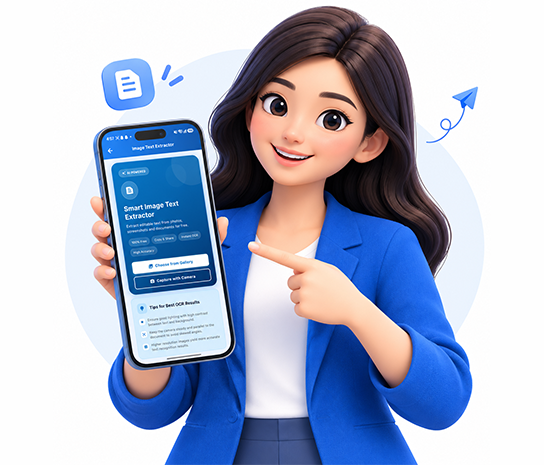
Image to Text Converter

Extract Text from Images

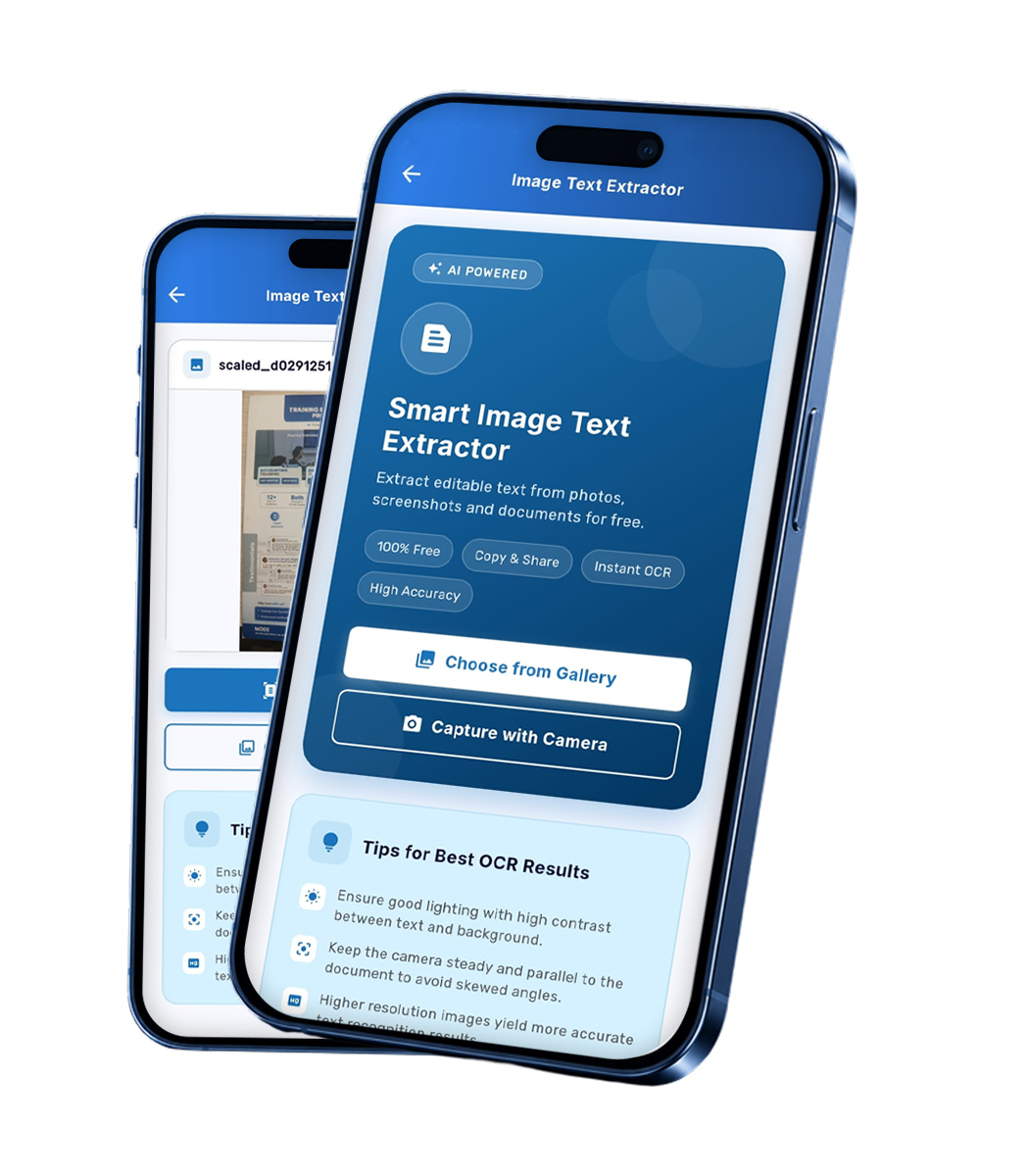
Turn text inside images into editable digital content in seconds. Upload photos, screenshots, or scanned documents to extract printed text effortlessly without typing everything manually.

Free Tool
Extract Text from Images
Free Tool
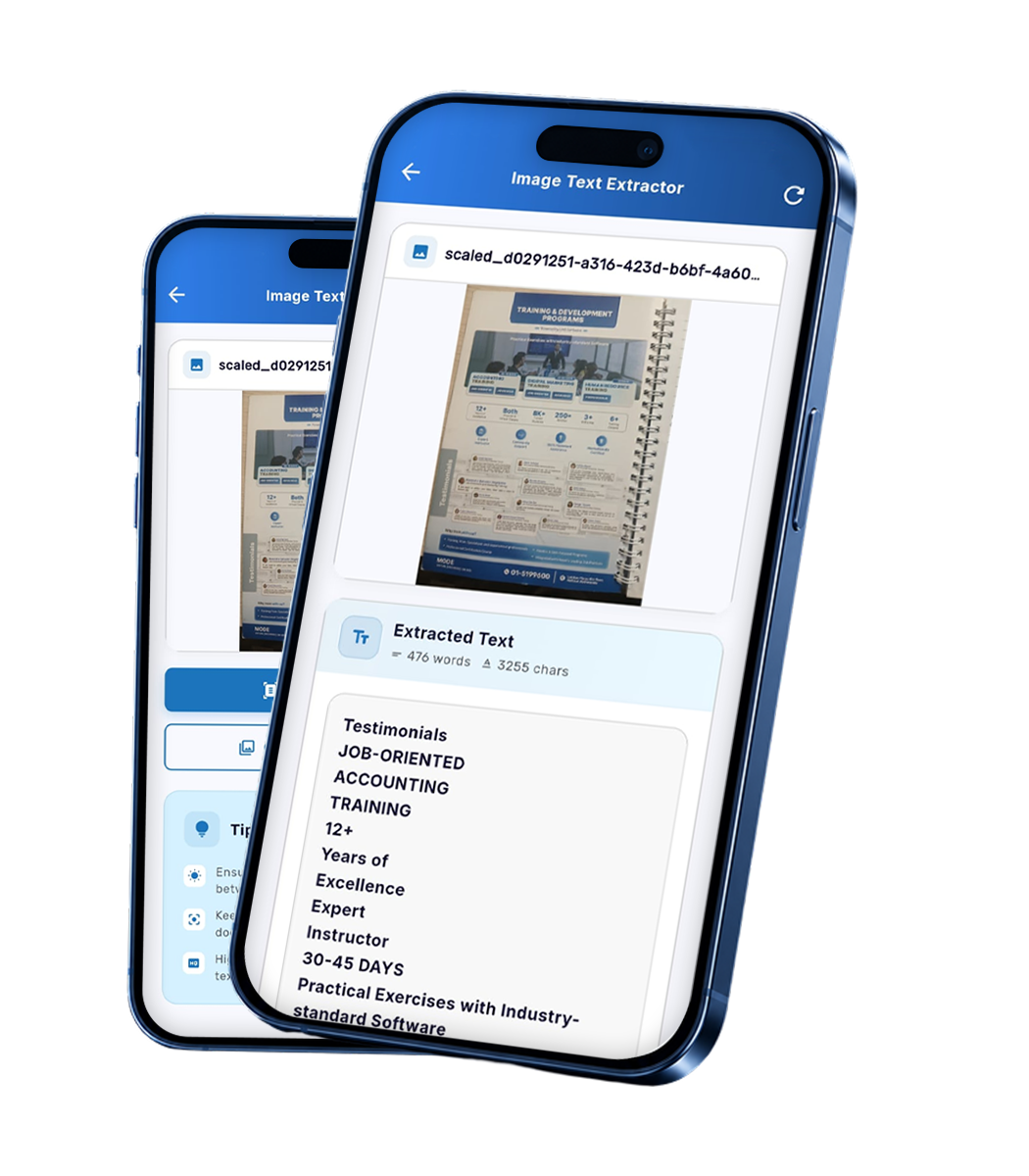
OCR Text Recognition

OCR Text Recognition

Let Optical Character Recognition (OCR) do the reading for you. Extract printed text from images with ease and save time when working with documents, notes, and other image-based content.

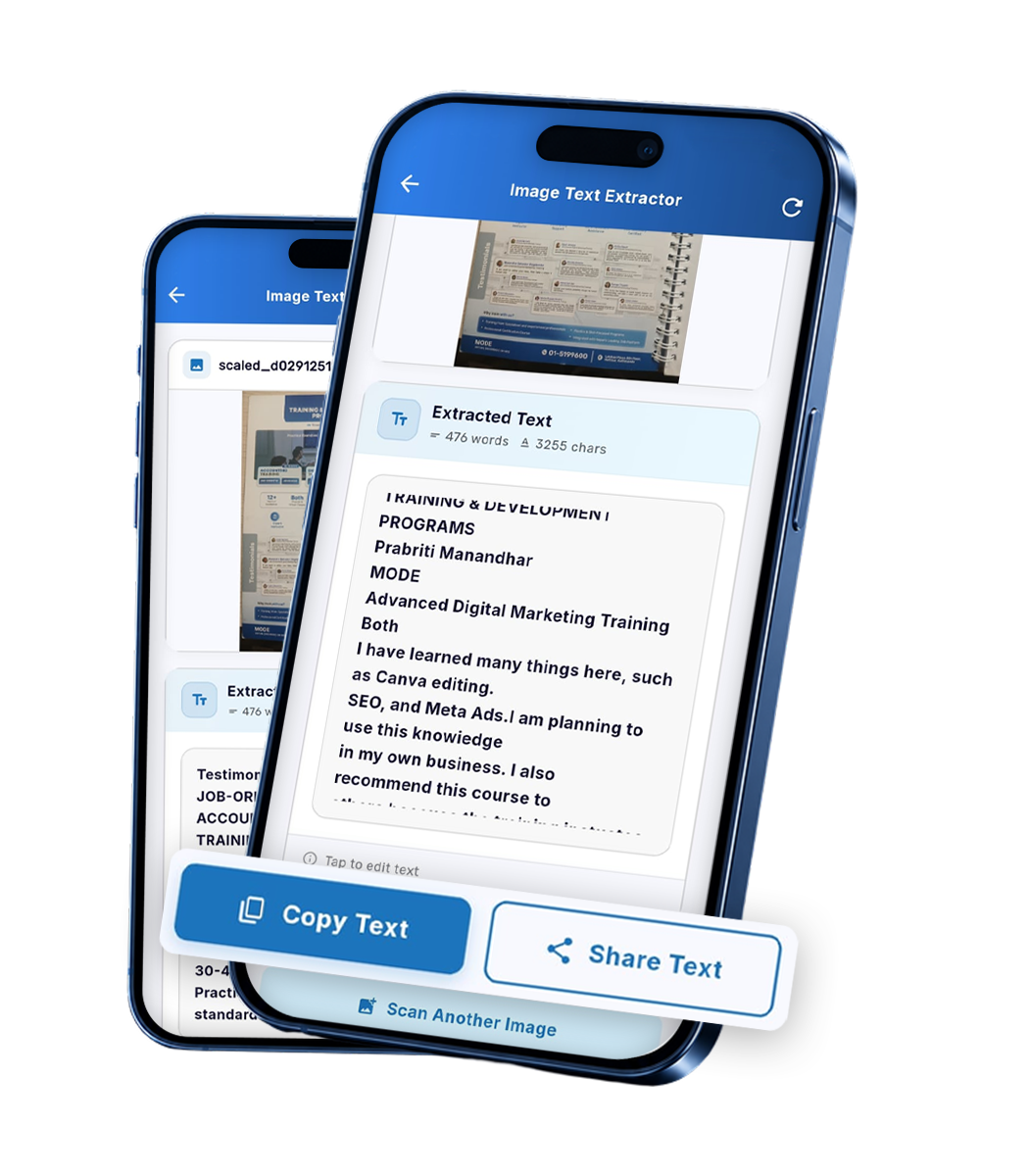
Instant Copy & Ad-Free Experience

Copy extracted text in a single tap inside the Kumari Job app's clean, distraction-free interface. No annoying pop-up or banner ads. Just a simple, 100% free way to turn image text into usable content.
Free Tool
Instant Copy & Ad-Free Experience

Our Other Feature Tools

Frequently Asked Questions

No, the Image to Text Converter is not available on the Kumari Job website. It is built exclusively into the Kumari Job mobile app (Android and iOS), allowing you to extract text from images through a simple, convenient, and ad-free experience.

You can upload photographs, screenshots, and scanned documents containing printed text. For the best results, use clear images with readable text and good lighting.

Yes, the Image to Text Converter inside the Kumari Job app is 100% free and contains zero pop-up or banner ads, giving you a clean and uninterrupted text extraction experience.

The tool uses Optical Character Recognition (OCR) technology to identify printed text in uploaded images and convert it into editable digital text that you can copy and reuse.

Yes! Once the text is extracted, you can copy it instantly with a single tap and paste it into documents, emails, notes, or other applications without manually retyping it.

Simply download the Kumari Job app from the Google Play Store or Apple App Store, open the app, and tap on the "Tools" section on the home screen to start extracting text from images instantly.

Download Our Mobile App