



Just finished your +2 and waiting for your NEB result? You're one of the thousands of students across Nepal holding their breath to see how they performed. Whether you are competing for a scholarship, college admission, or simply want to know your Class 12 results, checking them the right way matters.
But most of the people often face server crashes, wrong sites, or delayed SMS replies, which can turn the wait into frustration. In this blog, we will see how to check your NEB Class 12 result for 2083 using the official website, SMS, IVR, USSD, or mobile apps. No confusion, just clear steps.
In this blog
How to Check Class 12 Result in Nepal?
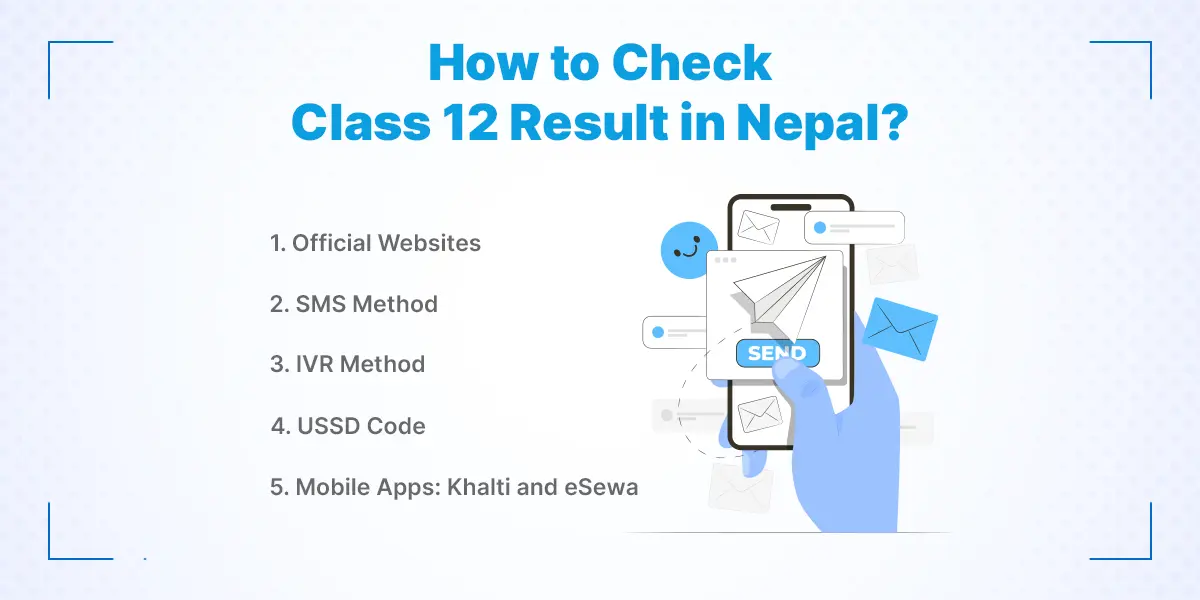
To check your Class 12 result in Nepal, you can use the official NEB (neb.gov.np) or NTC (ntc.net.np) websites, send an SMS to 1600, call the IVR number (1600), use the USSD code (*1600#), or check through popular mobile apps like Khalti and eSewa. Below is a detailed guide on each method so you can choose the one that works best for you.
1. Official Websites
The most reliable way to check your NEB result is by visiting the official websites.
Go to the official websites.
NEB website (neb.gov.np)
Nepal Telecom’s Portal (ntc.net.np)
Click on the link that says “Class 12 Result” or similar.
Enter your symbol number and date of birth (in BS format).
Click Submit.
Your result and marksheet will appear. Download or print it for future use.
Get Help Finding Global Scholarships!
2. SMS Method
If you don’t have internet access, you can check your result by sending an SMS.
Open your phone’s messaging app.
Type NEB <Symbol Number>
Send to 1600
For example: NEB 12345678
Send this message to 1600 from your NTC number. Shortly after, you’ll receive an SMS with your GPA and overall result.
3. IVR Method
Another offline option is to call the Interactive Voice Response (IVR) system.
Dial 1600 from your NTC mobile or landline.
Follow the voice instructions.
Enter your symbol number.
Wait till it announces your result.
Convert Your GPA into a Percentage —Try Now!
4. USSD Code
You can also use the USSD service to check your grade 12 result. This method is fast and does not require the internet.
Dial *1600# on your phone.
After dialing, follow the on-screen instructions
Enter your symbol number.
Get your result instantly displayed on your phone screen.
5. Mobile Apps: Khalti and eSewa
Popular digital wallets like Khalti and eSewa offer easy result-checking features. Open the app, navigate to the Education or NEB Result section, and enter your symbol number and date of birth to view your result. This method is user-friendly and convenient if you already use these apps for payments.
Don't Let Opportunities Stop at the Border!!
World-class universities, international exposure, and exciting career pathways are waiting. Find the right study destination and unlock global opportunities today!
What to do After Class 12?
After completing Class 12, you can either continue your studies, join skill-based training, start working, or even plan to study abroad. You have a lot of opportunities depending on your interests and goals. Whether you want to go for further education, gain work experience, or build practical skills, there is no right or wrong choice. Many students also choose to do jobs while studying in Nepal, which helps them earn income and gain real-world experience alongside their education.
_1751449139.webp)
1. Consider Studying Abroad
If you dream of studying in countries like Australia, Canada, or Japan, it's time to make preparations. You'll have to search for universities, get your papers ready, and sit for language exams such as IELTS or Japanese NAT, based on where you're going. You can seek help from consultancies, but only select the one that's reliable.
Begin Your Abroad Study Journey Now!!
2. Take IELTS Classes
If studying abroad is one of your goals after Class 12, improving your English proficiency should be one of your first priorities. Most universities and colleges in countries like Australia, Canada, the UK, and New Zealand require an English language proficiency test. IELTS is the most widely accepted option, and the exam helps you in admission + scholarships.
You can take an IELTS class for as little as NPR 5000!! The good news is, you even get a demo class before you commit to class and payment. IELTS classes can help you understand the test format, improve your speaking, listening, reading, and writing skills, and build the confidence needed to achieve a higher band score.
Start Your IELTS Class for FREE
3. Enroll in Skill-Based Training
If you have free time before joining college, this is the perfect chance to learn practical skills that can support both your future studies and career. These short, hands-on courses can help you explore your interests, build confidence, and even earn money on the side.
a. UI/UX Design
Take UI/UX training to learn how to create website and app designs that are user-friendly and awesome to look at. It's an in-demand skill with good freelancing and job opportunities.
b. Digital Marketing
You can also join digital marketing training and learn to help businesses sell online with the help of tools like social media, SEO, and advertisements. It is a fast-growing industry that almost every business needs.

c. Coding
Programming languages like Python, JavaScript, and PHP are in high demand. With advanced coding training, you can develop apps, websites, or even become a developer.
d. Accounting
Get hands-on accounting training in software like Tally or Excel. This is a great option if you want to become a finance, bookkeeping, or office manager professional.
e. Graphic Design
Learn how to design logos, posters, and social media material through software like Photoshop or Canva. If you enjoy graphics and creativity, taking graphic design training can be a great option.
4. Explore Job Opportunities
Some students prefer to work right after +2. You can search for job opportunities in customer care, marketing, admin, sales, and other sectors. Whether you work part-time or full-time jobs, they provide you with some experience, confidence, and some money. You can check job vacancies on the online job portals like Kumari Job or LinkedIn.
Not Sure What to Do After Class 12?
Whether you're planning to learn new skills or start your first job, Kumari Job can help you find the right training or job opportunity to kickstart your career.
How the NEB Class 12 Grading System Works
Once you check your NEB Class 12 result, understanding your GPA is just as important as knowing your grades. Nepal's National Examinations Board (NEB) follows a letter grading system instead of the traditional percentage-based pass/fail system.
Your final GPA is calculated based on your performance in both theory and practical/internal assessments. Therefore, it is important to understand what each grade means and how it affects your academic future.
1. NEB Class 12 Grading System
| Grade | GPA Range | Marks Range (%) | Meaning |
|---|---|---|---|
| A+ | 4.0 | 90–100 | Outstanding |
| A | 3.6–3.99 | 80–89 | Excellent |
| B+ | 3.2–3.59 | 70–79 | Very Good |
| B | 2.8–3.19 | 60–69 | Good |
| C+ | 2.4–2.79 | 50–59 | Satisfactory |
| C | 2.0–2.39 | 40–49 | Acceptable |
| D | 1.6–1.99 | 30–39 | Partially Acceptable |
| NG | Below 1.6 | Below 30 | Not Graded |
2. What Does NG Mean in NEB Results?
NG stands for Not Graded. If you receive NG in any subject, it means you did not achieve the minimum marks required for that subject.
Receiving NG does not mean you have failed every subject. It only applies to the specific subject where the required standard was not met. Students with NG grades may need to appear in supplementary or chance examinations according to NEB regulations.
3. Are Practical and Internal Marks Included in GPA?
Yes. NEB calculates your final GPA using both:
- Theory examination marks
- Practical examination marks
- Internal assessment scores
This means practical and internal assessments can significantly impact your overall GPA. Students should always review their complete marksheet instead of focusing only on theory results.
Not Sure What to Do After Class 12?
Whether you're planning to learn new skills or start your first job, Kumari Job can help you find the right training or job opportunity to kickstart your career.
4. Why Understanding Your GPA Matters
Your GPA plays an important role in:
- College and university admissions
- Scholarship applications
- Entrance examination eligibility
- Study abroad applications
- Future academic opportunities
After checking your result, take a few minutes to understand your GPA and subject-wise grades before making decisions about higher studies or career plans.
Common Problems While Checking Class 12 Result in Nepal
Students checking their Class 12 results in Nepal commonly face issues like website crashes, incorrect details, missing results, slow internet, and confusion about grading. These problems usually happen due to high traffic, technical errors, or lack of clarity around the result system. Understanding these issues and knowing how to handle them can help you check your result quickly and without stress.
1. Website Not Loading or Server Down
On result day, official websites often crash because thousands of students try to access results at the same time, overwhelming the server capacity. If the site doesn’t load, avoid repeatedly refreshing, as this can worsen the issue and block your access temporarily. Instead, wait 10–15 minutes and try again during off-peak hours like early morning or late evening. You should also keep alternative result-checking platforms ready so you’re not dependent on just one source.
Enjoy a FREE Study Abroad Consultation!
2. Incorrect Symbol Number or Details
Many students unknowingly enter the wrong symbol number, date of birth, or exam year, which leads to “invalid” or “no result found” errors. Carefully recheck your admit card and ensure every digit is entered correctly, especially since even a small mistake will prevent access. Avoid copy-pasting from unreliable sources and type the details manually for accuracy. If the problem persists, confirm your details with your college administration before trying again.
3. Result Not Found or Missing
If your result does not appear, it doesn’t always mean you have failed; it could be due to delayed data uploads or technical issues on the board’s side. In such cases, wait a few hours and check again, as systems are often updated in phases. You should also verify whether your result has been withheld due to administrative reasons like missing internal marks. If the issue continues, contact your college or the examination board immediately for clarification.
Don't Let Opportunities Stop at the Border!!
Whether you're planning to learn new skills or start your first job, Kumari Job can help you find the right training or job opportunity to kickstart your career.
4. Slow Internet or Timeout Issues
A weak or unstable internet connection can cause pages to load slowly, time out, or fail during submission, especially when checking results on mobile data. Switch to a stable Wi-Fi connection or move to an area with better network coverage before retrying. Close unnecessary apps or browser tabs to improve loading speed and reduce interruptions. Using a lightweight browser or clearing cache can also significantly improve your chances of accessing the result smoothly.
5. Confusion About Grading System
After viewing their result, many students struggle to understand GPA, grades, and what they actually mean for pass or fail status. Nepal’s grading system is based on GPA ranges rather than traditional marks, which can be confusing if you’re unfamiliar with it. Take a moment to review the official grading scale so you can correctly interpret your performance. This understanding is crucial for deciding your next steps, including re-exams or further studies.
Conclusion
Your NEB Class 12 result is just the beginning of your journey. Whether you plan to continue your studies, learn a new skill, or step into the job market, now is the perfect time to explore your options and shape your future.
If you're looking for job-ready training, internships, or beginner-level opportunities, Kumari Job offers the support you need. From practical courses like UI/UX design to fresh openings for students and recent graduates, it’s a trusted platform to begin your career.
Want to work after Class 12? Start exploring fresher jobs in Nepal and take your first step toward a successful future.
Frequently Asked Questions
Submit your comments

Get Our App On



How to Choose Between Two Job Offers
VIEW DETAILS
Digital Marketing Training Interview Questions and Answers for Freshers
VIEW DETAILS
Why Am I Not Getting Shortlisted for Jobs?
VIEW DETAILS
Why Job Vacancies Disappear Without Hiring Anyone
VIEW DETAILS


Loading Comments...