



You finally landed a job or landed your first freelance gig, but your employer asks for a PAN card before processing your salary.
Frustrating, right? Navigating government paperwork in Nepal often feels confusing and time-consuming. Here's the good news: getting your Personal PAN card is completely free and much easier than you think. You can register through the Nagarik App, the IRD website, or by visiting a tax office.
In this guide, you will learn every simple step to register your personal PAN card in Nepal without any stress.
In this blog
What is a Personal PAN Card in Nepal?
A Personal PAN card in Nepal is a unique nine-digit tax identification number issued to individuals by the Inland Revenue Department. It tracks your financial transactions and income tax details across the country.
A Permanent Account Number (PAN) acts as your legal financial identity for tax purposes. The Inland Revenue Department (IRD) uses this number to keep records of your total income, salary tax, and tax payments.
Without a personal PAN card in Nepal, companies cannot process your salary properly under government rules. So having one ready protects your income and keeps your career moving smoothly.
Who Needs a PAN Card?
Every working individual earning an income in Nepal needs a Personal PAN card to stay tax compliant. This requirement applies whether you earn a monthly salary, work as a freelancer, or run your own investments. Let's look at the main categories of people who must obtain a PAN.
Getting your PAN card early makes life much easier when taking up new financial opportunities. So, who actually needs one?
- Salaried employees in private companies
- Government employees and civil servants
- Freelancers and independent consultants
- Business owners and sole proprietors
- Investors buying or selling shares on NEPSE
- Anyone paying income tax or receiving formal payments
Even if you are not currently employed, obtaining a PAN early can save time when you start working.
Documents Required for PAN Registration
Registering for a Personal PAN card requires basic personal identification documents and accurate contact details. Having these items ready beforehand ensures your application gets approved without delay. Here are the essential documents and details you need to prepare.
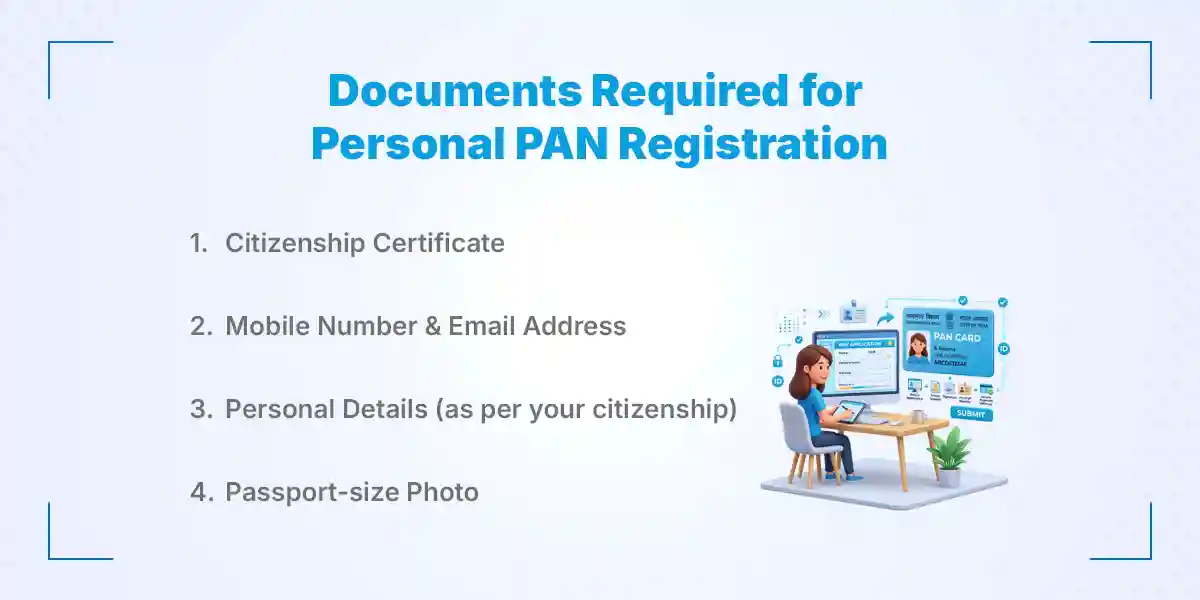
1. Citizenship Certificate
Your citizenship certificate is the primary document used to verify your identity and nationality. Make sure you have a clear photo or copy of both sides.
2. Mobile Number
You need an active mobile number registered in your own name. This number receives One-Time Passwords (OTPs) during signup.
3. Email Address
A valid email address helps you receive digital confirmations and tax updates from the IRD. It keeps your tax account accessible online.
4. Passport-size Photo
A recent passport-size photograph with a clear background may be requested depending on the application method. Keeping a digital copy on your phone is helpful.
5. Personal Details
Your personal details must be completely accurate. Your full name, birth date, and parents' names must match your citizenship certificate exactly.
Warning: Any mismatch between your application and citizenship details may delay or reject your PAN registration.
How Do You Register for a Personal PAN Card in Nepal?
You can register a Personal PAN card in Nepal through the Nagarik App, the IRD web portal, or physical office visits based on their preference. Below is a quick comparison table to help you pick the best registration path:
| Method | Best For | Visit Requirement |
|---|---|---|
| Nagarik App | Instant registration for citizenship holders | No |
| IRD Website | Detailed online submission with choice of office | Optional (Only for printed card) |
| IRD Office | Applicants wanting direct staff assistance | Yes |
The following sections cover each method step by step so you can complete the process effortlessly.
How to Register a Personal PAN Card Online via Nagarik App?
Using the Nagarik App is the fastest and easiest way to get your Personal PAN card online in Nepal. The app verifies your official citizenship records automatically without requiring paper submissions. Moreover, the Nagarik App links directly with government databases to pull your verified personal details. That means you do not have to fill in lengthy forms by hand or stand in queues.
Here is the step-by-step process to complete your registration using your smartphone.
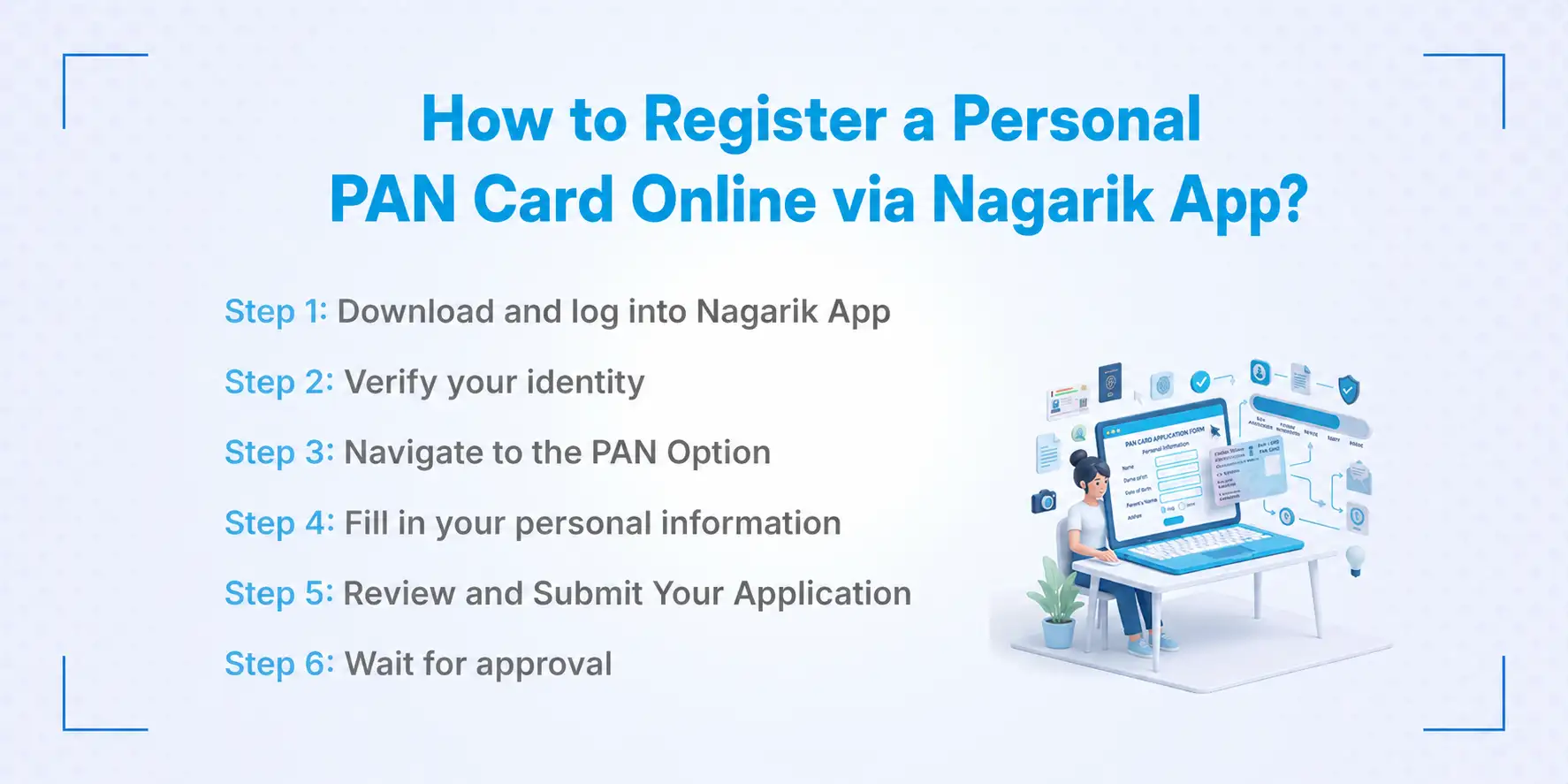
Step 1: Download and Register on Nagarik App
First, download the Nagarik App from the Google Play Store or Apple App Store. Register using a mobile SIM card that is registered under your own name.
Enter your citizenship details carefully to verify your identity. The system will sync your national records in seconds.
Step 2: Navigate to the PAN Option
Once logged in, look for the "PAN" icon on the main app dashboard. Tap on it to begin the application process.
Select "Apply for PAN" from the options shown. The app will automatically pull your personal information from your verified citizenship record.
Step 3: Review and Submit Your Application
Check all auto-filled details to ensure everything matches your official document. Select your nearest Inland Revenue Office (IRO) for administrative reference.
Tap submit to finish. Your nine-digit Personal PAN number will be generated almost instantly on your screen.
Pro Tips:
- Use a mobile SIM card registered under your own citizenship number.
- Keep a stable internet connection while submitting.
- Take a screenshot of your generated PAN number right away for safekeeping.
How to Register a Personal PAN Online via the IRD Website?
Registering through the official Inland Revenue Department website is a reliable option for all applicants. This web portal allows you to enter detailed information and select your preferred tax office directly. Let's walk through the exact steps needed to complete your online web application.
Step 1: Visit the Official IRD Web Portal
Open your web browser and navigate to the official Inland Revenue Department portal. On the nav bar, hover on E-services and click on the "Taxpayer Portal" section on the homepage to access user services. Or, simply follow this link: taxpayerportal.ird.gov.np/taxpayer/app.html
Step 2: Select Registration and Personal PAN
On the left menu, expand the "Registration (PAN, VAT, EXCISE)" tab by click on the ‘+’ sign. Select "Application for Registration" to open the form.
Choose "Personal PAN" as your application type and select your nearest Inland Revenue Office (IRO) or Taxpayer Service Office (TSO).
Step 3: Fill in Personal Details and Upload Documents
Fill out your personal details including name, address, family details, and citizenship number accurately.
Upload a clear scan of your citizenship certificate and a recent passport-size photograph.
Step 4: Submit and Save Submission Number
Double-check all entered information before hitting the final submit button.
Once submitted, the system generates a unique Submission Number and Password. Print or screenshot this confirmation page.
Note that some applicants may still be asked to visit their chosen IRD office with original documents for physical verification and printing the plastic card.
How to Register a Personal PAN Card Offline?
Visiting an Inland Revenue Department office allows you to apply for a Personal PAN card offline with staff help. This traditional method is ideal for applicants who encounter online system errors or prefer in-person support. Follow these steps to complete your offline registration directly at the tax office.
Some individuals prefer offline registration because IRD officers can guide them through every field. It also eliminates tech glitches or internet problems.
Step 1: Visit the Nearest IRD Office
Find the nearest Inland Revenue Office (IRO) or Taxpayer Service Office (TSO) in your district.
Step 2: Receive and Fill the PAN Form
Ask the desk officer for a Personal PAN application form, which is provided free of cost. Fill in your details carefully using clear handwriting.
Step 3: Document Verification and Submission
Attach a photocopy of your citizenship certificate and a passport-size photo to the filled form. Submit them to the verification officer along with your original citizenship card.
Step 4: Receive Your PAN Card
The officer enters your details into the national tax system and prints your official PAN card. You usually receive your printed card within 15 to 30 minutes.
Offline registration is helpful for applicants who are uncomfortable using online services or need assistance from IRD staff.
Online vs Offline Personal PAN Registration in Nepal
Choosing between online and offline PAN registration depends on your comfort with digital tools and time constraints. Both registration paths lead to the exact same official nine-digit Personal PAN number. Here is a clear comparison table highlighting the main differences between both options.
| Feature | Online Registration | Offline Registration |
|---|---|---|
| Time Required | 5–10 minutes | 1–2 hours |
| Office Visit Needed? | Optional (Only for plastic card) | Mandatory |
| Document Submission | Digital uploads / Auto-synced | Physical photocopies |
| Best For | Tech-savvy users & busy professionals | Applicants wanting staff assistance |
If you want speed and convenience, Nagarik App or the online portal is your best bet. However, if you face document mismatches, visiting an IRD office directly will resolve issues quickly.
How Long Does Personal PAN Registration Take?
Personal PAN registration in Nepal can take anywhere from a few minutes to a few business days depending on the method. Digital methods offer instant processing, while web portal applications require verification time. Here is a timeline table showing expected processing times across different channels.
| Method | Estimated Time |
|---|---|
| Nagarik App | Instant (1–3 minutes) |
| IRD Website | 1 to 3 working days |
| Offline IRD Office | Same-day (15 to 60 minutes) |
Timelines vary depending on office workload, public holidays, or verification delays. If details on your uploaded citizenship scan are blurry, officers may hold your application until corrected.
Is There Any Fee for Personal PAN Registration?
Personal PAN registration is completely free across all official government channels in Nepal. The Inland Revenue Department does not charge any application fee, card fee, or registration tax. Let's look at why you should avoid paying third-party intermediaries for this service.
You should never pay money to anyone claiming to register your personal PAN card. Unofficial agents or cyber cafes often charge unnecessary service fees for simple form filling.
Only pay if you voluntarily use a professional service provider for broader accounting or tax filing help.
What Common Problems Occur During PAN Registration?
Applicants occasionally run into technical errors or document issues while applying for a Personal PAN card. Understanding these common problems helps you fix them quickly without getting stressed out. Here are the most frequent issues and their quick solutions.
1. Citizenship Details Don't Match
If your name or birth date in the app differs from official records, registration will fail. Visit your local Ward office or District Administration Office to update your citizenship record first.
2. OTP Not Received
Not receiving the verification SMS usually happens when your mobile SIM card is registered under someone else's name. Re-verify your SIM ownership with your telecom provider.
3. Application Pending Status
If your web application stays pending for days, the tax office may have high traffic. Visit your chosen Inland Revenue Office with your submission number to speed up approval.
4. Unable to Log In
Forgetting your password or submission number blocks portal access. Use the "Forgot Password" feature on the IRD portal or reset your login via the Nagarik App.
5. Duplicate PAN Number
If the system states you already have a PAN, you cannot create a new one. Use the IRD search tool or Nagarik App to recover your existing number.
How to Check Your PAN Registration Status?
Checking your PAN registration status online ensures your tax account is active and verified. You can track your application easily using your submission number or mobile application. Follow these simple numbered steps to check your current registration status.
Nagarik App Method: Open the Nagarik App, tap "PAN", and view your active PAN card details directly on the main card view.
IRD Portal Method: Visit taxportal.ird.gov.np, click "Registration", enter your Submission Number and Password, and view your current status.
IRD Office Method: Visit your local IRD office desk with your citizenship card if online methods do not display your record.
If your application status shows "Rejected" or remains "Pending" for more than a week, contact the IRD helpdesk promptly.
Can Employers Register PAN for Employees?
Employers in Nepal can assist their employees in applying for a Personal PAN card during job onboarding. Many private companies collect employee citizenship details to submit group applications through the IRD portal. Let's look at how employer assistance works and why applying beforehand is better.
Many companies in Nepal help new hires set up their PAN during onboarding. They gather your citizenship scan and photo to submit a bulk request to the IRD. However, employees can easily register themselves online in less than five minutes using the Nagarik App.
And honestly? Registering beforehand speeds up your hiring process significantly. When you already have your nine-digit PAN number on day one, HR can process your salary contract without any delays or extra paperwork.
Personal PAN vs Business PAN: The Must-Know Facts
Understanding the difference between a Personal PAN and a Business PAN is crucial for proper financial management. While a Personal PAN tracks individual income, a Business PAN tracks company sales and business taxes. Here is a clear comparison table summarizing key differences between both accounts.
| Feature | Personal PAN | Business PAN |
|---|---|---|
| Purpose | Individual salary, freelancing, investments | Firm, company, or partnership income |
| Mandatory For | Salaried workers and individuals | Sole proprietors, private limited firms |
| Registration Basis | Citizenship Certificate | Firm Registration Certificate |
| Tax Deductions | Personal tax slabs | Corporate tax rates & VAT registration |
A Personal PAN stays with you for life regardless of where you work. In contrast, a Business PAN is registered specifically for a registered enterprise or commercial firm.
Conclusion
Getting your Personal PAN card in Nepal is simple, fast, and completely free. Whether you use the Nagarik App, the IRD web portal, or walk into an IRD office, having your tax identification ready is a huge step forward for your career. In today's fast-moving job market, the ones who miss out are the ones who found out too late.
So don't let simple paperwork hold back your career growth. Register your PAN card today, update your CV, and head over to Kumari Job to find and apply for your dream job now!
Frequently Asked Questions
Submit your comments

Get Our App On



How to Build a Digital Marketing Portfolio in Nepal with Zero Client Experience
VIEW DETAILS
Meta Ads Training Fees in Nepal: Complete Course Fee Guide
VIEW DETAILS
SEO Training for Working Professionals: Skills, Benefits and Career Growth
VIEW DETAILS
How to Become an Office Secretary in Nepal: Skills, Salary, and Requirements
VIEW DETAILS


Loading Comments...