


Ever opened your social media account and wondered, “What should I post today?” Without proper planning, you may end up posting inconsistently, repeating ideas, or missing opportunities to engage your audience.
A digital marketing content calendar solves this by organizing content ideas, publishing dates, platforms, and marketing goals in one place. In this guide, learn how to create a content calendar, choose the right tools, plan posts, and track performance.
In this blog
What Is a Digital Marketing Content Calendar?
A digital marketing content calendar is a planning document that organizes what content to publish, where to publish it, and when to share it. It helps individuals and businesses manage social media posts, blog articles, videos, and marketing campaigns. It also tracks content responsibilities, publishing status, and performance to maintain a consistent marketing schedule. A content calendar works as a central reference for managing digital marketing activities. Instead of deciding what to post every morning, beginners can prepare topics and organize their publishing schedule in advance.
A basic digital marketing content calendar generally includes:
- Content topic and title: The subject or main idea of each post.
- Target audience: The people who should find the content useful.
- Content format: Images, videos, reels, carousels, infographics, or blogs.
- Publishing date and time: When the content should go live.
- Marketing platform: Facebook, Instagram, LinkedIn, TikTok, or a website.
- Assigned content creator: The person responsible for preparing the content.
- Content status: Whether the content is planned, in progress, approved, or published.
- Performance: Results such as reach, engagement, clicks, and conversions.
For example, a beginner managing a training institute's social media accounts can plan educational posts on Sunday, promotional content on Wednesday, and student-related content on Friday. This makes content preparation more organized and reduces last-minute decisions.
Why Is a Content Calendar Important for Digital Marketing?
A content calendar is important because it helps marketers plan, organize, publish, and evaluate content consistently across digital platforms. It reduces daily planning pressure and connects individual posts with broader marketing goals. For beginners, it provides a clear workflow for managing content without needing complicated marketing systems.
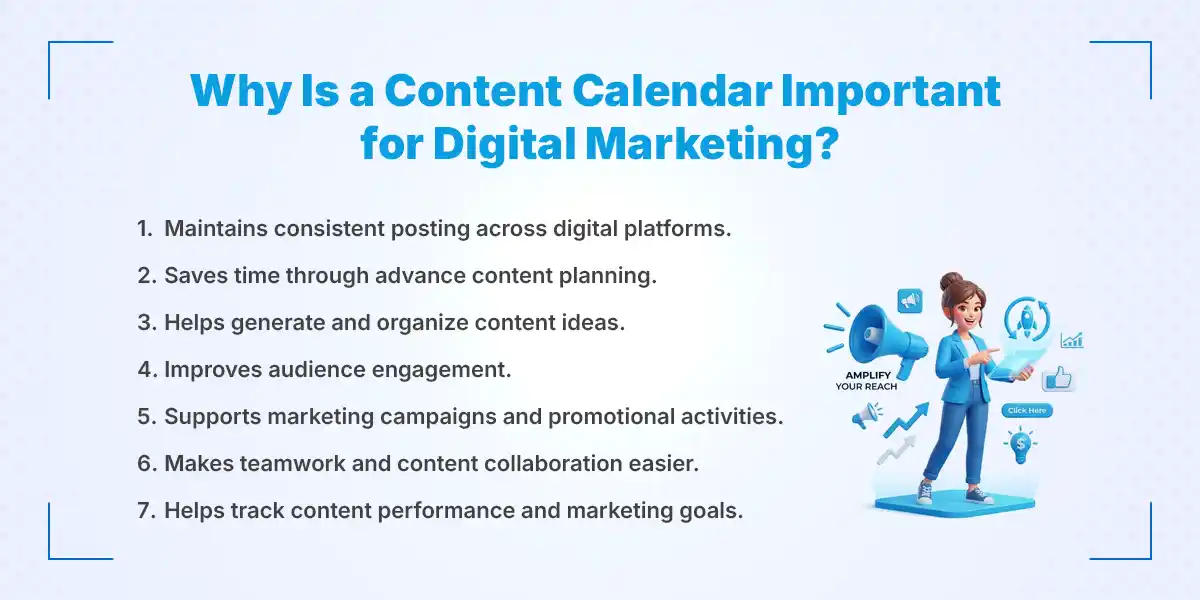
Here are the main benefits of using a digital marketing content calendar:
- Maintains consistent posting: A planned schedule helps maintain regular activity across social media platforms and websites.
- Saves time: Preparing content in advance reduces the time spent searching for ideas every day.
- Organizes content ideas: Marketers can collect, categorize, and prioritize topics in one place.
- Improves audience engagement: A balanced content schedule gives audiences different types of useful and relevant information.
- Supports marketing campaigns: Important promotions, product launches, seasonal events, and announcements can be planned ahead.
- Improves teamwork: Team members can understand their responsibilities, deadlines, and approval requirements.
- Tracks marketing goals: Performance information helps identify which content attracts visitors, engagement, and potential customers.
For example, a business preparing a Dashain campaign can schedule festival-related posts, promotional announcements, and customer engagement content before the holiday begins. This reduces rushed work and helps maintain a consistent brand message.
What Should a Digital Marketing Content Calendar Include?
A digital marketing content calendar should include publishing dates, content topics, target audiences, platforms, formats, captions, keywords, calls to action, and content status. These details help beginners understand what needs to be created and when it should be published. A well-organized calendar also makes it easier to manage individual tasks and track progress.
The following elements are useful when creating a beginner-friendly content calendar:
- Date: Specify the day and time when each post will be published.
- Content Topic: Write the main subject or idea of the post.
- Content Pillar: Categorize content as educational, promotional, entertaining, inspirational, or informational.
- Platform: Identify where the content will appear, such as Facebook, Instagram, LinkedIn, TikTok, or a website.
- Content Format: Select the format, including reels, stories, blogs, videos, carousels, and infographics.
- Caption and Keywords: Prepare the main message and include relevant keywords naturally.
- Call-to-Action (CTA): Decide what action readers should take, such as visiting a website, registering for a course, or contacting a business.
- Responsible Person: Assign someone to create, review, or publish the content.
- Content Status: Track whether each post is planned, in progress, under review, approved, or published.
For example, if you plan an Instagram post about SEO basics, your calendar might include the topic, publishing date, graphic design requirements, caption, target keywords, and a CTA encouraging readers to learn more.
How to Create a Digital Marketing Content Calendar Step by Step
To create a digital marketing content calendar, start by setting clear marketing goals and identifying your target audience. Next, choose suitable platforms, organize content pillars, research relevant topics, and select publishing formats. Finally, prepare a weekly or monthly schedule, publish consistently, and measure performance to improve future content.
Follow these eight steps to build a practical content calendar.
1. Set Clear Digital Marketing Goals
Digital marketing goals explain what you want your content to achieve. Without clear objectives, it becomes difficult to choose relevant topics or measure success. Beginners should focus on a few achievable goals rather than trying to accomplish everything at once. Choose goals that match your business needs and connect each content idea with a specific outcome.
Common digital marketing goals include:
- Increase brand awareness: Publish educational posts, brand introductions, and informative videos to help more people discover your business.
- Generate website traffic: Share useful blog articles, website resources, and relevant links to encourage visitors to explore your website.
- Improve social media engagement: Create questions, polls, short videos, and interactive posts that encourage people to comment and share.
- Generate leads and conversions: Publish service information, course details, offers, and registration instructions to encourage potential customers to take action.
For example, a digital marketing training institute may focus on increasing course inquiries, while a personal content creator may prioritize audience growth and engagement.
2. Identify Your Target Audience
Your target audience is the specific group of people you want to reach through your digital content. Understanding their interests and challenges helps you choose topics that answer their questions. Beginners should consider their audience's age group, interests, professional background, and online behavior. This information helps make content more relevant and useful.
Consider the following points when identifying your audience:
- Understand audience interests: Find out which subjects, services, products, or industry topics interest your potential readers.
- Identify common challenges: Research the questions and problems your audience frequently discusses.
- Research preferred platforms: Determine whether your audience spends more time on Facebook, Instagram, LinkedIn, TikTok, or search engines.
- Understand content preferences: Identify whether they prefer short videos, detailed blogs, infographics, tutorials, or step-by-step guides.
For example, students interested in digital marketing may prefer beginner-friendly tutorials, career guidance, and practical skill-development content. Small business owners may be more interested in social media promotion, lead generation, and affordable marketing strategies.
3. Choose the Right Digital Marketing Platforms
The right digital marketing platforms help your content reach the people most likely to engage with it. Each platform supports different content formats and audience behaviors. Beginners should avoid trying to manage every platform simultaneously. Start with two or three relevant channels and expand when your content workflow becomes manageable.
Consider these platforms based on their common uses:
- Facebook: Suitable for community engagement, business updates, promotional posts, and sharing informative content.
- Instagram: Useful for visual content, reels, stories, carousels, and brand awareness.
- LinkedIn: Appropriate for professional insights, industry updates, business-related content, and career guidance.
- TikTok: Suitable for short-form videos, quick tutorials, educational clips, and entertaining content.
- Website and Blog: Useful for detailed educational articles, search-focused content, industry guides, and organic website traffic.
For example, a beginner promoting digital marketing training can share course updates on Facebook, create short educational reels for Instagram, and publish professional career advice on LinkedIn. Each platform should have content adapted to its audience rather than receiving the same post every time.
4. Choose Your Content Pillars
Content pillars are the main categories or themes that guide your content strategy. They help maintain variety and prevent your social media accounts from becoming overly promotional. Beginners can choose three to five content pillars based on their audience and marketing goals. Each pillar should provide a clear reason for publishing content.
Common content pillars include:
- Educational content: Share tutorials, practical tips, how-to guides, and industry knowledge.
- Promotional content: Highlight products, services, training programs, offers, and business updates.
- PubEntertaining content: lish relatable posts, creative videos, quizzes, and light-hearted industry content.
- Informational content: Share industry news, important announcements, statistics, and useful updates.
- User-generated content: Feature customer reviews, testimonials, audience experiences, and community contributions.
For example, a training institute can use digital marketing tips as its educational pillar, course announcements as its promotional pillar, and student success stories as its user-generated content pillar. These categories help maintain a balanced publishing schedule.
5. Research and Generate Content Ideas
Content research helps marketers discover topics that match audience interests and search behavior. Instead of choosing random subjects, beginners should use audience questions, keyword research, industry trends, and competitor analysis to identify useful content opportunities. Organizing these ideas in one place makes future planning easier. It also helps prevent repeated topics across different publishing dates.
Use these methods to find relevant content ideas:
- Research audience questions: Check comments, social media discussions, customer inquiries, and frequently asked questions.
- Explore trending topics: Follow relevant industry news, seasonal discussions, and popular subjects.
- Use keyword research: Identify search terms and related queries that people use when looking for information.
- Review competitor content: Study which topics, formats, and content approaches receive audience engagement.
- Consider seasonal events: Plan posts around relevant occasions, festivals, holidays, and industry events.
For SEO-focused content, tools such as Google Trends and Google Keyword Planner can help identify search interests and keyword opportunities. For social media content, platform search suggestions and audience comments can provide useful topic ideas.
6. Decide Your Content Formats and Posting Frequency
Content formats determine how information is presented, while posting frequency determines how often content is published. Beginners should choose formats that match their resources, audience preferences, and marketing objectives. A realistic publishing schedule is more useful than an ambitious schedule that becomes difficult to maintain. Start with a manageable frequency and adjust it using performance data.
Common content formats include:
- Images: Useful for announcements, quotations, promotional messages, and simple educational posts.
- Reels and short videos: Suitable for quick tutorials, tips, demonstrations, and behind-the-scenes content.
- Carousels: Helpful for step-by-step guides, lists, educational information, and multiple related points.
- Blog articles: Appropriate for detailed explanations, keyword-focused topics, and organic search traffic.
- Stories: Useful for short updates, polls, questions, and daily audience interaction.
A beginner might start with three or four social media posts per week and one blog article every week or two. The ideal frequency depends on the platform, audience, content quality, and available resources.
7. Create a Monthly or Weekly Content Schedule
A weekly or monthly content schedule turns content ideas into an organized publishing plan. It connects each topic with a specific date, platform, format, and responsible person. Beginners can use Google Sheets or similar tools to arrange their content in a simple calendar. Planning also provides enough time for writing, designing, reviewing, and approving posts.
Follow these actions when preparing your schedule:
- Assign each content topic to a publishing date.
- Select the appropriate platform for every post.
- Choose a suitable content format.
- Prepare captions, keywords, hashtags, and CTAs.
- Set deadlines for writing, designing, and reviewing content.
- Assign responsibilities if multiple people manage the calendar.
- Leave space for urgent announcements and trending topics.
A weekly calendar is a practical starting point because it allows beginners to manage a small number of posts without creating unnecessary complexity. Once the process becomes familiar, they can prepare a monthly schedule for better campaign planning.
8. Schedule, Publish, and Monitor Content
Scheduling and monitoring ensure that planned content reaches the audience at the intended time and supports the desired marketing goals. Beginners can prepare captions, images, and videos in advance to reduce last-minute work. Scheduling tools can help manage publishing across supported platforms. Regular performance reviews also reveal which content needs improvement.
Use the following practices:
- Prepare and review content before the publishing date.
- Schedule posts using suitable social media management tools.
- Check captions, links, images, and formatting before publishing.
- Monitor comments, shares, clicks, and other engagement activities.
- Compare actual performance with your original marketing goals.
- Update future topics and publishing frequency based on the results.
Remember that publishing content is only one part of digital marketing. Monitoring audience responses and improving future posts are equally important for maintaining an effective content strategy.
What Is an Example of a Digital Marketing Content Calendar for Beginners?
A weekly digital marketing content calendar is a simple schedule that assigns different content topics and formats to specific days and platforms. Beginners can use it to balance educational, informational, promotional, and engagement-focused posts. This approach provides a clear starting point without requiring advanced planning tools or marketing experience.
Here is a sample weekly content calendar for someone managing a digital marketing-related social media account.
| Day | Content Type | Topic | Platform |
|---|---|---|---|
| Sunday | Educational | Digital Marketing Basics | |
| Monday | Informational | Digital Marketing Tips | |
| Tuesday | Short Video | Common Marketing Mistakes | TikTok |
| Wednesday | Promotional | Course or Service Highlight | |
| Thursday | Educational | SEO Tips for Beginners | |
| Friday | Engagement | Ask Your Audience a Question | |
| Saturday | Blog Sharing | Latest Marketing Article |
This example gives beginners a different content focus for each day and helps avoid publishing the same type of post repeatedly.
How to customize this calendar:
- Replace topics with subjects relevant to your business or industry.
- Choose platforms based on where your target audience spends time.
- Adjust the number of posts according to your available resources.
- Include important campaigns, seasonal events, and promotional activities.
- Review weekly performance to identify which topics deserve more attention.
The schedule is a starting example, not a fixed rule. A small business may need fewer posts, while a larger marketing team may publish more frequently across several platforms.
What Are the Best Tools to Create a Digital Marketing Content Calendar?
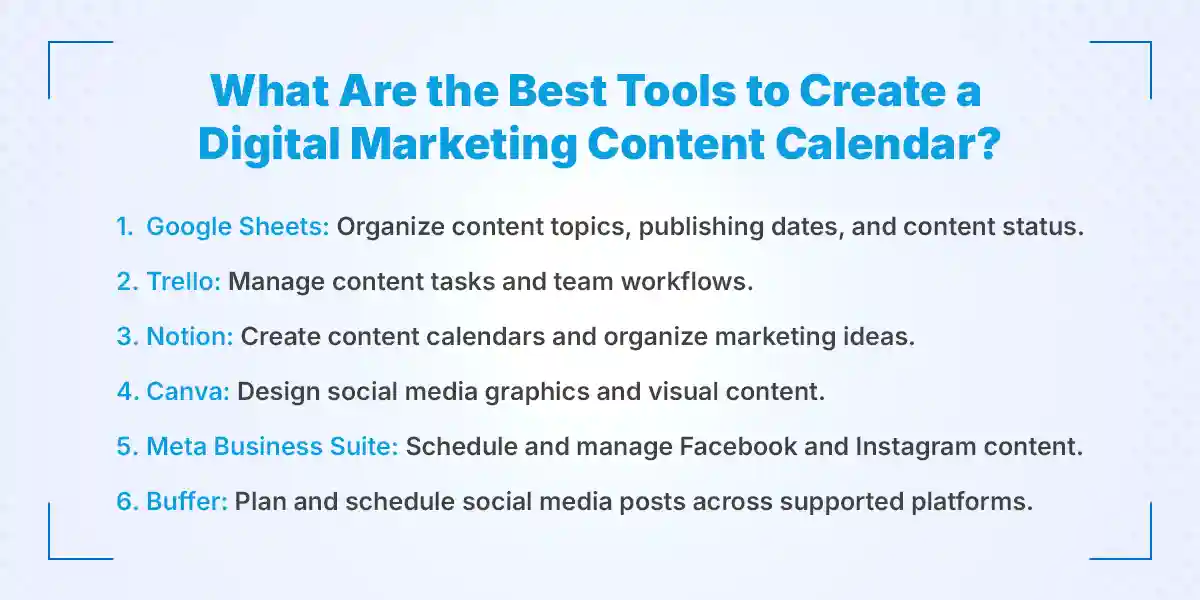
The best tools for creating a digital marketing content calendar include Google Sheets, Notion, Canva, Meta Business Suite, and Buffer. They help beginners organize content ideas, manage tasks, prepare visual designs, and schedule social media posts. The right choice depends on your workflow, team size, and preferred features.Start with a simple tool that meets your current needs rather than choosing software with features you may not use.
1. Google Sheets
Google Sheets is a spreadsheet tool that beginners can use to create and manage a content calendar. It allows users to organize publishing dates, topics, platforms, captions, and content status in rows and columns. It also supports collaboration, making it useful for small marketing teams. A simple spreadsheet is often enough to manage a weekly or monthly publishing schedule.
2. Notion
Notion is a workspace that allows users to organize notes, documents, databases, and content calendars. Beginners can create a calendar database with publishing dates, content categories, platforms, and task statuses. It also helps keep research, captions, and content ideas together. Its flexible structure makes it suitable for managing different types of marketing activities.
3. Canva
Canva is a graphic design tool that helps marketers create social media posts, presentations, infographics, and other visual content. Its ready-made templates make designing easier for people without advanced graphic design experience. Users can also organize visual content and prepare designs for upcoming campaigns. It works well alongside a separate content calendar.
4 . Meta Business Suite
Meta Business Suite helps businesses manage their Facebook Pages and Instagram accounts from one place. Users can create and schedule supported posts, manage messages, and review account performance. Its publishing calendar helps marketers see upcoming scheduled content. It is particularly useful for businesses that primarily use Facebook and Instagram.
5. Buffer
Buffer is a social media management platform that helps users plan, schedule, and publish content across supported social media channels. It provides tools for organizing publishing schedules and reviewing social media performance. Beginners can use it to manage multiple accounts without planning every post separately. Available features depend on the selected plan and supported platform integrations.
How to Measure the Performance of Your Content Calendar?
You can measure the performance of a content calendar by tracking reach, impressions, engagement rate, website traffic, click-through rate, and conversions. These metrics show how people interact with your content and whether your posts support marketing goals. Regular measurement helps beginners identify successful topics and improve their future publishing schedules.
Here are six important metrics to monitor:
- Reach: Reach measures the number of unique people who see your content. It helps you understand how many individuals your posts are reaching.
- Impressions: Impressions count the total number of times your content is displayed, including multiple views by the same person.
- Engagement Rate: Engagement rate measures interactions such as likes, comments, shares, and saves relative to a chosen audience or reach metric.
- Website Traffic: Website traffic shows how many visitors arrive at your website through social media posts, search engines, and other digital channels.
- Click-Through Rate (CTR): CTR measures the percentage of people who click a link after seeing your content or advertisement.
- Conversions: Conversions represent valuable actions such as course registrations, product purchases, contact inquiries, or newsletter sign-ups.
Tools for measuring content performance:
- Google Analytics 4 (GA4): Helps track website visitors, traffic sources, user behavior, and conversions.
- Facebook and Instagram Insights: Provide information about reach, impressions, engagement, and audience activity.
- LinkedIn Analytics: Helps evaluate post impressions, engagement, and professional audience interactions.
- TikTok Analytics: Provides information about video views, audience engagement, and account performance.
For example, if an educational Instagram carousel receives more saves and shares than a promotional image, you can consider publishing more educational content. However, do not judge every post using the same metric because different content formats serve different marketing purposes.
Best Practices for Managing a Digital Marketing Content Calendar
An effective digital marketing content calendar requires consistent planning, relevant content, realistic deadlines, and regular performance reviews. Beginners should focus on maintaining content quality while keeping their publishing schedule manageable. The following practices can help improve your content planning process:
- Plan content in advance: Prepare topics and publishing schedules at least one week or one month ahead to reduce last-minute work.
- Maintain a content balance: Mix educational, promotional, entertaining, and informational posts instead of focusing entirely on selling products or services.
- Use keywords naturally: Include relevant keywords in blog titles, captions, and descriptions where they fit the topic.
- Follow seasonal events and trends: Plan relevant content around festivals, holidays, industry updates, and important business events.
- Maintain a consistent brand voice: Use a similar communication style, tone, and visual identity across your marketing channels.
- Leave room for trending content: Keep some flexibility in your calendar so you can respond to relevant news, trends, and audience discussions.
- Review performance regularly: Check weekly or monthly results to understand which content attracts the most relevant audience.
- Update your calendar when needed: Adjust topics, formats, and publishing dates when marketing priorities or audience interests change.
Another useful practice is to maintain a separate section for unused content ideas. When you need a new topic, you can review this list instead of starting your research from scratch.
For SEO-focused content planning, connect your calendar with keyword research and your website's existing blog topics. This helps prevent duplicate articles, supports internal linking, and creates opportunities to cover related subjects in greater depth.
For example, a blog about digital marketing content planning can naturally connect to articles about SEO training in Nepal and digital marketing skills for beginners. These internal links help readers discover related information while creating meaningful connections between relevant website pages.
Conclusion
A successful digital marketing content calendar is not about publishing something every day; it is about publishing the right content for the right audience at the right time. Beginners can build an effective system by setting clear goals, understanding their audience, choosing relevant content pillars, and maintaining a realistic schedule. Start with a simple weekly calendar, monitor the results, and improve your approach as you gain experience.
If you want to develop practical skills in content planning, SEO, social media management, and digital marketing, explore digital marketing training in Nepal at KumariJob to build a stronger foundation for your digital marketing career.
Frequently Asked Questions
Submit your comments

Get Our App On



How to Become a Media Buyer in Nepal: Skills, Qualifications & Career Path
VIEW DETAILS
Digital Marketing Mistakes Beginners Should Avoid in Nepal
VIEW DETAILS
How to Find Fintech Jobs in Nepal?
VIEW DETAILS
Top 10 High-Paying Vocational Jobs in Nepal
VIEW DETAILS


Loading Comments...